
Yoho Mobile eSIM Connected, No Internet? Fix Your APN Settings
Landed and your Yoho Mobile eSIM shows connected but has no internet? Follow our simple troubleshooting guide to check data roaming and APN settings to get online fast.
Latest articles

Landed and your Yoho Mobile eSIM shows connected but has no internet? Follow our simple troubleshooting guide to check data roaming and APN settings to get online fast.

Don't miss a single wicket! Learn how to watch live cricket abroad without buffering or high roaming fees. A fan's guide to using eSIMs for sports streaming.

Heading to Ibrox? Get the best Yoho Mobile eSIM for your Glasgow trip. Enjoy seamless data for the Rangers match and your Scotland travels. Buy now!

Heading to Rio Carnival 2026? Don't miss a beat! Get your Yoho Mobile Brazil eSIM for high-speed data to share every samba, parade, and moment. Stay connected easily.

Step-by-step guide to activate a travel eSIM on your Huawei Pura 70 or Mate series phone. Get seamless global data with Yoho Mobile and avoid roaming fees.

Planning to see Kyoto's stunning autumn foliage? Get the best Yoho Mobile Japan eSIM for seamless data to share your Koyo season moments instantly.

Your ultimate guide to the 2025-26 Ashes Tour in Australia. Get travel tips, accommodation advice, and the best Australia data plan with Yoho Mobile eSIM.

Unlock ultimate productivity on the road. Discover the 15 essential apps for remote work and how a reliable eSIM for digital nomads keeps you connected anywhere in 2026.

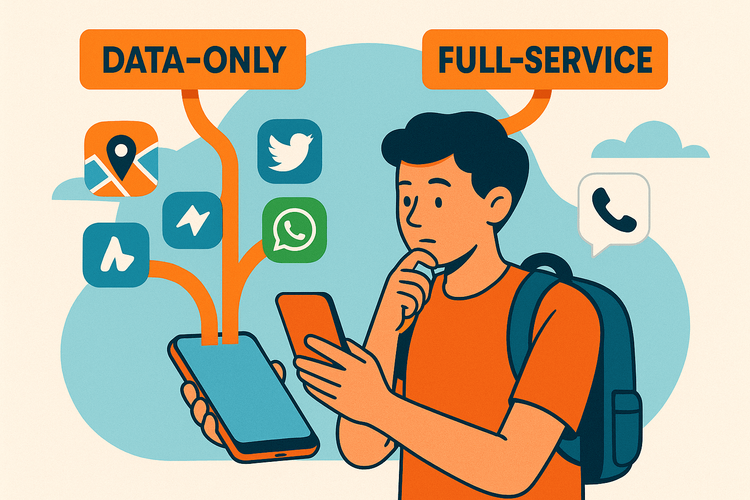
Confused about eSIMs? Learn the key differences between a data-only eSIM and a full-service SIM with a phone number to choose the best option for your travels.

Stay connected across the Schengen Area with one Europe eSIM. Discover Yoho Mobile's multi-country data plans for seamless, affordable EU travel in 2025.

Turn a long layover into a mini-trip! Our 2025 guide covers tips for hubs like Doha & Dubai and how a travel eSIM keeps you connected for city exploration.

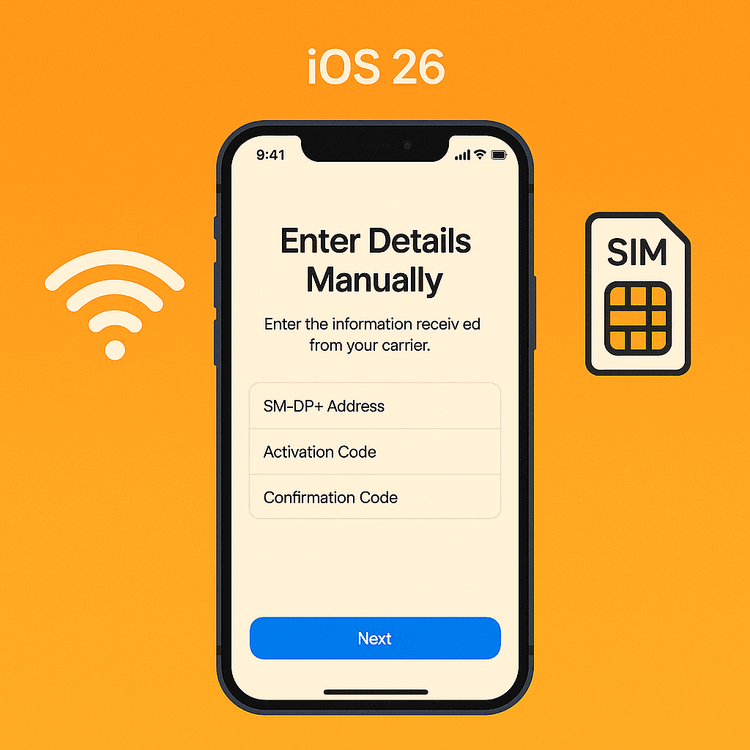
No QR code? Learn the step-by-step process to manually activate your Yoho Mobile eSIM on an iPhone running iOS 26 using the SM-DP+ address.